By Martin Phelps
Not an often requested function, but sometimes users may wish to change the unit type for example from metric to imperial.
From the “MANAGE” tab, select “PROJECT UNITS” the project dialogue box is now displayed as below.
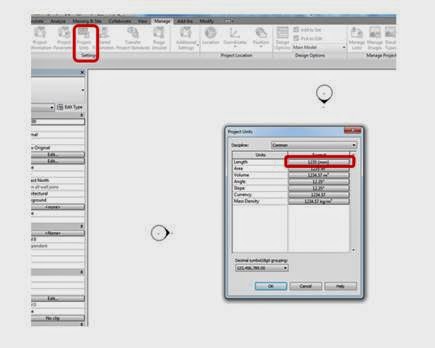
All values may be changed by selecting the relevant drop down list.
To change the project units from metric to feet and inches, in the “FORMAT” column select the displayed units example in the “LENGTH” row.
Another dialogue is displayed
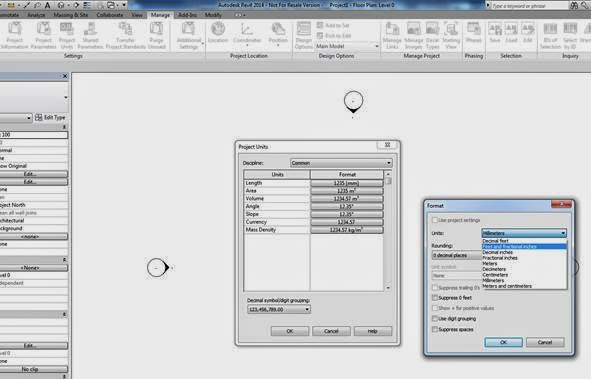
The required units can now be selected from the drop down list, in this case “FEET AND FRACTIONAL INCHES”, “OK” both dialogue boxes to return to the Revit project.
When drawing lines walls etc., type in the “FOOT” value followed by a “SPACE” then the “INCHES” value.