Question
How do I borrow a Network License in an AutoCAD based product?
Answer
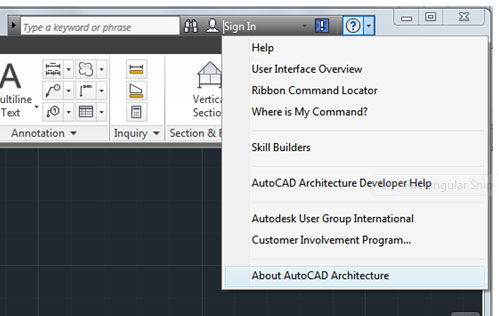
In AutoCAD, click the pull-down menu next to the Help question mark icon and select About *your product*
Click the Product Information button in the top right hand corner:

Click Borrow License:

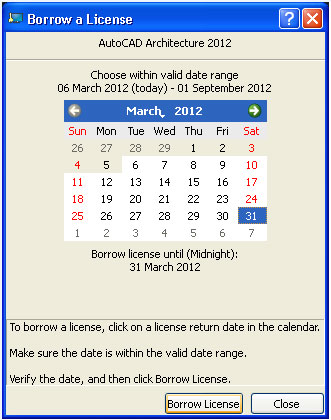
Select the date you wish to borrow the license until and click Borrow License:
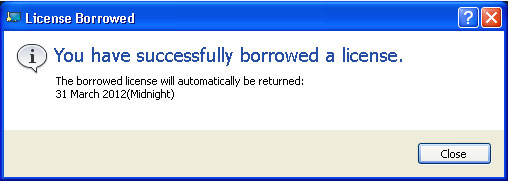
You will receive the following message, click Close:
To return the license, follow the first two steps as above.
Click Return License:

Click Yes:

You will receive the following message, click Close:
