By Anite Ramgi
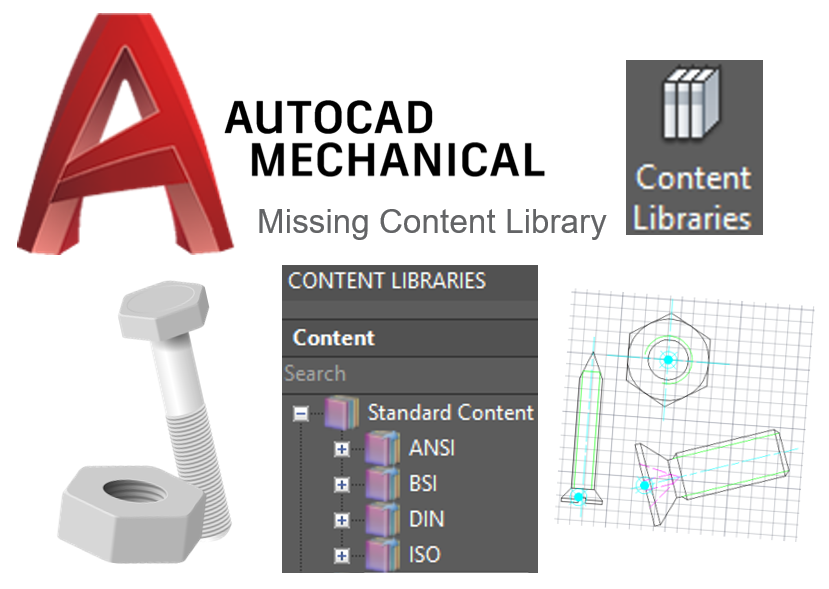
The Content Library provided on AutoCAD Mechanical consists of eighteen libraries with pre-drawn standards parts. Each library corresponds to a country and conforms to its country’s standards.
If you have a library missing, you can install them by following the below steps.
From Program and Features, and double click on AutoCAD Mechanical.

Click Add or Remove Features:
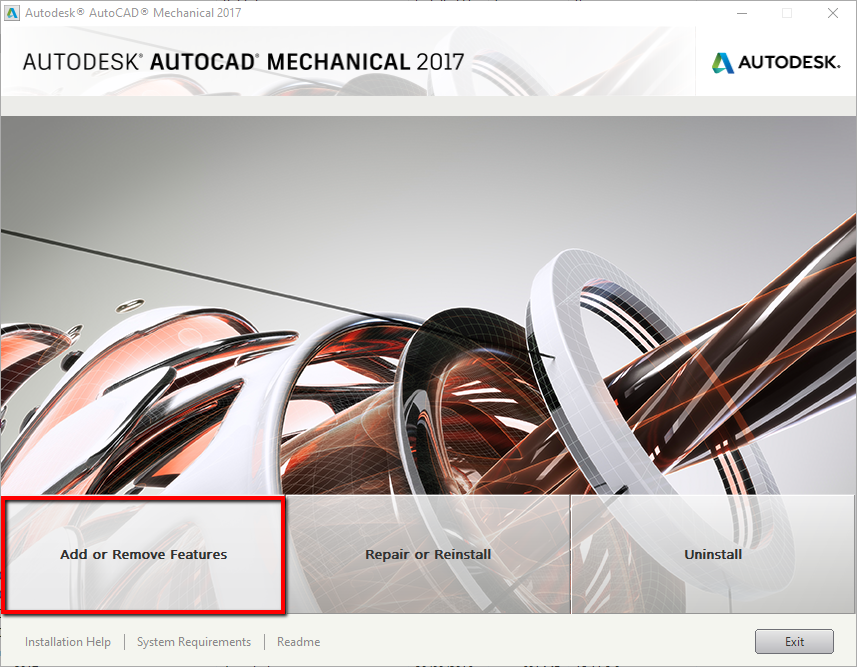
Select the standards that you want to install and click on Next. Follow the steps until you have finished installing.

The installed standards will appear in your Content Library.